
How to Choose the Right Barcode Printer for Your Business
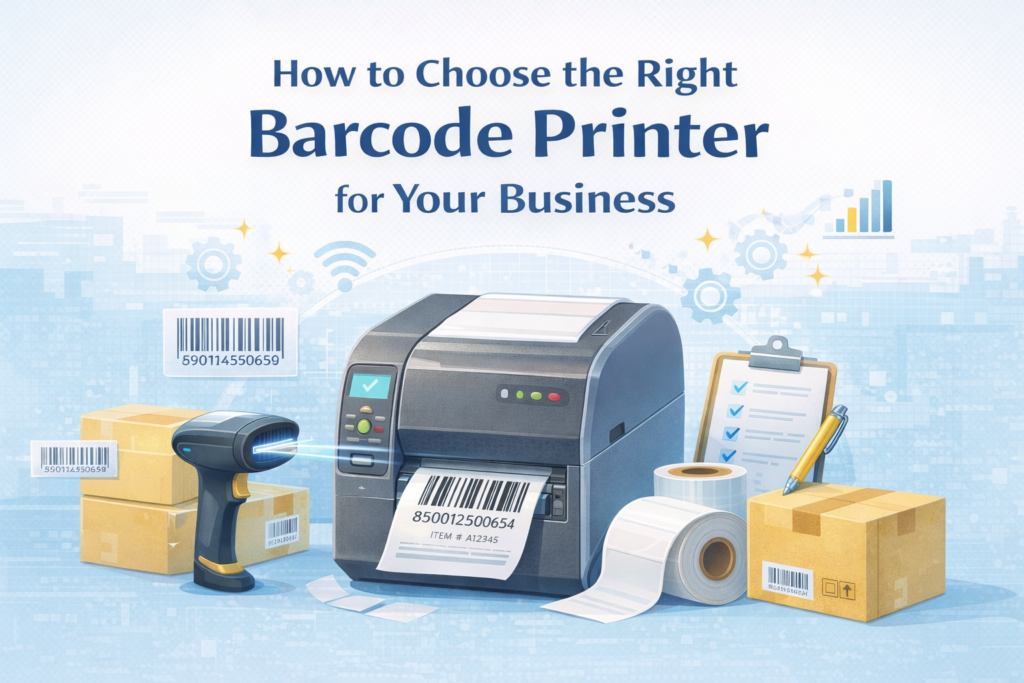
Imagine a store where every product scans perfectly, inventory updates instantly, and checkout lines move without a hitch. Behind this smooth operation is a small but powerful device that many business owners overlook: the barcode printer. Choosing the right barcode printer can make the difference between seamless workflows and frustrating delays.
Whether you run a retail shop, a busy warehouse, or a growing e-commerce business, selecting the right printer is crucial. The right device not only prints clear, scannable labels but also saves time, reduces errors, and improves overall efficiency. In this guide, we will help you understand the key factors, types of printers, and expert tips to make the right choice for your business.
Why the Right Barcode Printer Matters
Barcode printers are more than machines that print labels. They are an essential part of your business operations. The right printer can help you:
- Save time by printing labels quickly
- Reduce mistakes in inventory management.
- Improve customer satisfaction with faster service.
- Lower costs by using labels efficiently.
On the other hand, choosing the wrong printer can lead to faded labels, paper jams, and slow printing. This can frustrate staff and customers and increase operational costs. Understanding the different types of printers and their features is the first step in making the right decision.
Key Factors to Consider Before Buying
Before selecting a barcode printer, consider your business needs. The following factors will help guide your choice:
- Print Volume – Estimate how many labels you will print daily. Small businesses can use desktop models while large warehouses may need industrial printers.
- Print Speed – Fast printing is important if you handle many products each day.
- Label Size and Material – Decide the size and type of labels you need. Your printer must support them.
- Connectivity – Make sure the printer can connect to your computers or systems easily through USB, Wi-Fi, or Ethernet.
- Durability – Printers in warehouses need to handle heavy use.
- Ease of Use – Look for printers that are easy to operate and maintain.
Thinking about these factors first will make it easier to find the printer that fits your business perfectly.
Barcode and Label Printers
Make sure the USB cable is securely connected and not damaged. Try a different USB port if needed. For network printers, confirm the printer is connected to the correct Wi Fi network with a Barcode and label printers are essential for businesses that need to track products, manage inventory, and improve overall efficiency. Some printers combine printing and scanning in one device, while others focus solely on producing high-quality labels. Understanding their features helps you choose the right printer for your business needs.stable signal.
How They Work
These printers produce clear, readable labels for products, shipments, and inventory management. Barcode scanner printers can print and verify labels in the same process, ensuring every barcode is accurate and scannable. Standard label printers focus on printing durable, professional-quality labels that work seamlessly with existing scanners and software systems.
Advantages
- Efficiency – Print quickly, with some models verifying labels automatically.
- Accuracy – Scan verification reduces errors in tracking, inventory, and checkout.
- Cost-Effective – Combines multiple functions and reduces wasted labels.
- Flexibility – Print labels in different sizes and materials to suit your products.
- Professional Quality – Produces clear, durable labels for inventory, shipping, and product presentation.
Types of Printers
- Desktop Printers – Small, affordable, ideal for small or medium businesses.
- Industrial Printers – High-volume printers built for warehouses or factories.
- Mobile Printers – Portable printers for delivery or on-site operations.
- Barcode Scanner Printers – Print and scan in one device for instant verification.
Ideal Use Cases
Retail stores, warehouses, e-commerce shipping, hospitals, and logistics operations all benefit from using these printers.
Features to Look For
Scan verification for accuracy, fast print speed, high resolution, software and scanner compatibility, durable design, multiple connectivity options like USB, Wi-Fi, or Ethernet, support for different label types, and easy maintenance.
Choosing the right barcode or label printer improves workflow, reduces errors, and ensures smooth business operations. Whether you need scanning verification or just high-quality labels, selecting the right printer supports long-term growth, efficiency, and operational success.
Printer Repair Services and Brands
Even the best barcode and label printers can face issues. Noor Printer offers expert repair services to keep your business running smoothly.
Brands We Repair
- Zebra – Desktop, industrial, and mobile printers (GK, ZD, ZT, QLn).
- Brother – Desktop and mobile printers (QL, TD series).
- Dymo – LabelWriter and LabelManager models.
- TSC – Industrial and desktop printers (TTP, TDP series).
- SATO – High-volume industrial printers.
- Honeywell – Barcode scanner and mobile printers.
- Epson – Mobile and desktop label printers.
Common Issues and Why Choose Our Service
Noor Printer, one of the best printer sellers in the UAE, repairs desktop, and industrial printers efficiently. We fix common problems such as paper jams, faded or unclear prints, connectivity or software issues, hardware failures like rollers or printheads, and barcode scanning errors. Our skilled technicians provide quick, cost-effective service that reduces downtime and extends the lifespan of your printer through proper maintenance.
Common Mistakes to Avoid
Even with the right information, business owners can make mistakes. Avoid these errors when choosing a printer:
- Choosing the cheapest printer without checking durability or speed.
- Ignoring software or system compatibility.
- Using a printer with low resolution that produces unreadable barcodes.
- Selecting a printer that cannot handle your label material.
- Overlooking warranty or customer support.
Avoiding these mistakes ensures your printer will serve your business efficiently for years.
Tips for Choosing the Best Barcode Printer
Choosing the right barcode printer is not just about picking a model off the shelf. It requires careful planning and research. Here’s a deeper look at the most important tips:
Test Before Buying
Before committing to buying a printer, request sample prints from the supplier. This helps you check print quality, barcode clarity, and label durability. Testing ensures the printer meets your specific business needs and prevents costly mistakes.
Read Reviews
Customer reviews and expert feedback provide real-life insights about printer performance, reliability, and maintenance. Reviews help identify common issues such as paper jams, slow printing, or software problems.
Plan for Growth
Think about your business not just today but in the future. Print volume may increase, inventory may expand, or new products may be added. Selecting a printer that can handle higher volumes or complex labels ensures it grows with your business. Noor Printers is the best printer seller in the UAE and can help you choose a model for long-term use.
Consider Total Cost
The initial price is only part of the expense. Consider consumables such as labels, ink, or thermal ribbons, as well as maintenance and repairs. Sometimes a slightly more expensive printer saves money over time.
Seek Expert Advice
Consult experts, vendors, or suppliers to choose the best printer. They can recommend models, explain specifications, and assist with installation and setup, reducing risk and ensuring a smart investment.You may hear unusual noises, such as grinding or clicking, when this error appears.
Conclusion
Choosing the right barcode printer is essential for smooth business operations. A good printer improves speed, accuracy, and customer satisfaction. Barcode scanner printers are ideal for verification during printing, while label printers work well for high-quality label production.
Evaluate print volume, label types, connectivity, and durability carefully. Investing in the right printer may cost more initially but saves time and money in the long run. Start with current needs, plan for growth, and choose a printer that supports your business for years to come. The right barcode printer keeps your business organized, efficient, and ready to meet customer expectations every day.